How to Remotely Reboot a FileVault-Protected Mac Without Entering a Password

If you manage Macs remotely — whether it’s a home server, a Mac mini in another location, or you’re an IT admin — you’ve probably run into this nightmare:
You reboot the Mac for updates or maintenance, but because FileVault is turned on (full-disk encryption), it gets stuck at the pre-boot login screen. No SSH, no Screen Sharing, no remote access until someone physically types in the password. Super frustrating!
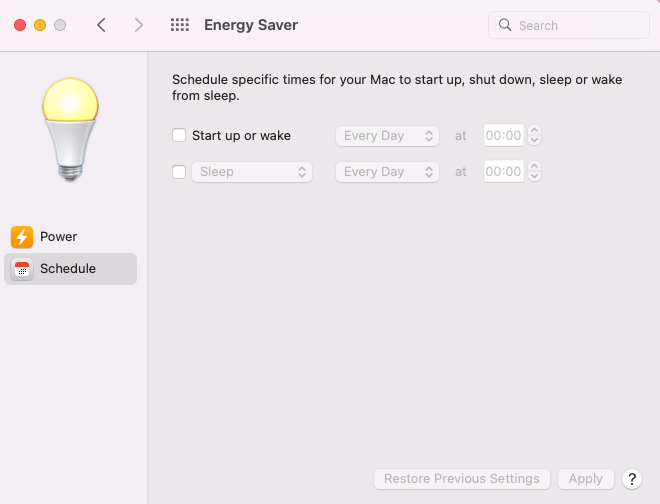
Continue reading “How to Remotely Reboot a FileVault-Protected Mac Without Entering a Password”How to Schedule Mac to Sleep/Shutdown now Energy Saver Schedule has been removed since Ventura.
On macOS Ventura and above, the Energy Saver settings (including scheduling) have been moved and slightly renamed due to the redesign of System Preferences into System Settings.