iFixit Pro Tech Toolkit

A Must-Have for any hardware Techie

When it comes to repairing electronics, having the right tools makes all the difference. The iFixit Screw Tool Set has become a favourite among Professionals and tech enthusiasts alike. Known for its high-quality construction and thoughtful design, this toolkit is ideal for tackling delicate repair tasks with precision and confidence. Let’s dive into what makes this set stand out.

Continue reading “iFixit Pro Tech Toolkit”

Compatible Mac Hardware macOS

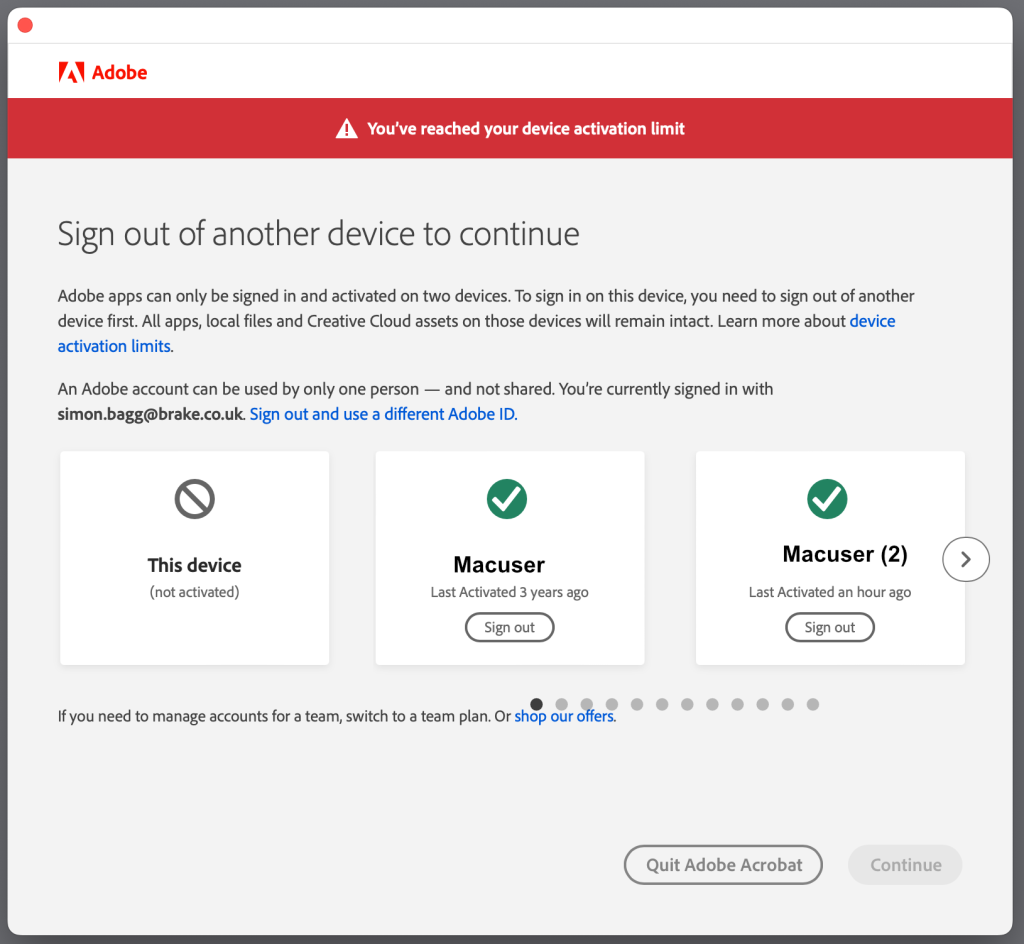
Here is a comprehensive list of Apple Hardware that works with which Mac Operating System release. Please remember macOS is not backward compatible so a machine made later than an Operating System wont boot. From Catalina 10.15 the Operating System architecture changed to macOS (64 bit) Mojave and below is running on 32 bit.

  • MacBook Pro (M1, 2020 or newer)
  • MacBook Pro (2019 or newer)
  • MacBook Air (M1 or newer)
  • Mac mini (M1, 2020 or newer)
  • Mac mini (2023 or newer)
  • iMac (24-inch, M1 2021 or newer)
  • iMac (Retina 5K, 27-inch, 2020)
  • Mac Pro (2019 or newer)
  • Mac Studio (2022 or newer)
Continue reading “Compatible Mac Hardware macOS”

Affinity Bundle instead of using Creative cloud

Ever since Adobe moved to a subscription based system there has been a scramble to keep the old versions of the Adobe suite on your Mac. With a machine still running the old OS like Mojave (macOS 10.14) you can still use the old version of the Adobe products without paying the subscription based system. When you go to Catalina 10.15 which was the first OS that was a true 64 Bit version of macOS the old Adobe Product wont work along with a few other products like Office 2011 and some Steam games for Mac like Call of Duty 4: Modern Warfare to name just a few. In short anything 32 Bit stops working unless you have a 3rd party app to allow it to run on 64 Bit. Outside of keeping an old Mac to run your very old version of Photoshop you are forced to look either to the subscription based Adobe Cloud version or look for a new product to use.

Continue reading “Affinity Bundle instead of using Creative cloud”

Apple Marketing PR Sites

Apple used to have a standard Apple PR site Apple.com/PR which allowed all the access to the image artwork for the latest products. If you try that url it will take you to the Newsroom website. Below are some useful sites within the web to help location the information you require.

Preview scans multiple pages but only shows the first one

Utilising Preview as your PDF tool for all scans on a Mac is an exceptional feature. The process is remarkably reliable, and once the data is obtained, it is straightforward to manipulate and organise the documents in the desired order. The only minor inconvenience I have encountered is that saving amended PDF documents can sometimes be frustrating. In the past, I would save the process as I worked, checking the document’s integrity by highlighting it and pressing the spacebar, which would display a preview of the document’s final appearance. However, this method has become unreliable, so I have switched to exporting as a PDF in Preview to ensure that the document is saved in the correct format. This approach prevents me from closing the edited file until I have reviewed the PDF preview.

Continue reading “Preview scans multiple pages but only shows the first one”

HP Smart Printer App

How to join a HP printer wireless using the HP Smart Printer App.

This refers to new install and printers that have dropped off the network. The printer I am linking too is the HP Envy 6000 All in One Printer series.

You have 3 options:

  • Use a Smart Phone
  • Computer (Mac)
  • WPS (if the router allows it)

https://support.hp.com/us-en/product/details/hp-envy-6000-all-in-one-printer-series/29256672

Install a new HP printer

Use one of the 3 options above and run through the HP Smart Printer App to install the printer.

Continue reading “HP Smart Printer App”