If you have a Windows hard drive that needs formatting for a Mac then this short video will show you how to do that. Before watching the video you will need to take the hard drive out of the Windows machine and place it in a hard drive caddy plugged into your Mac.
How to remove Boot Camp Partition from a Mac
A quick video on how to remote the Windows Partition (Boot Camp) drive from your Intel Mac.
How to setup Time Machine Short
Short video on how to remove Boot Camp Partition
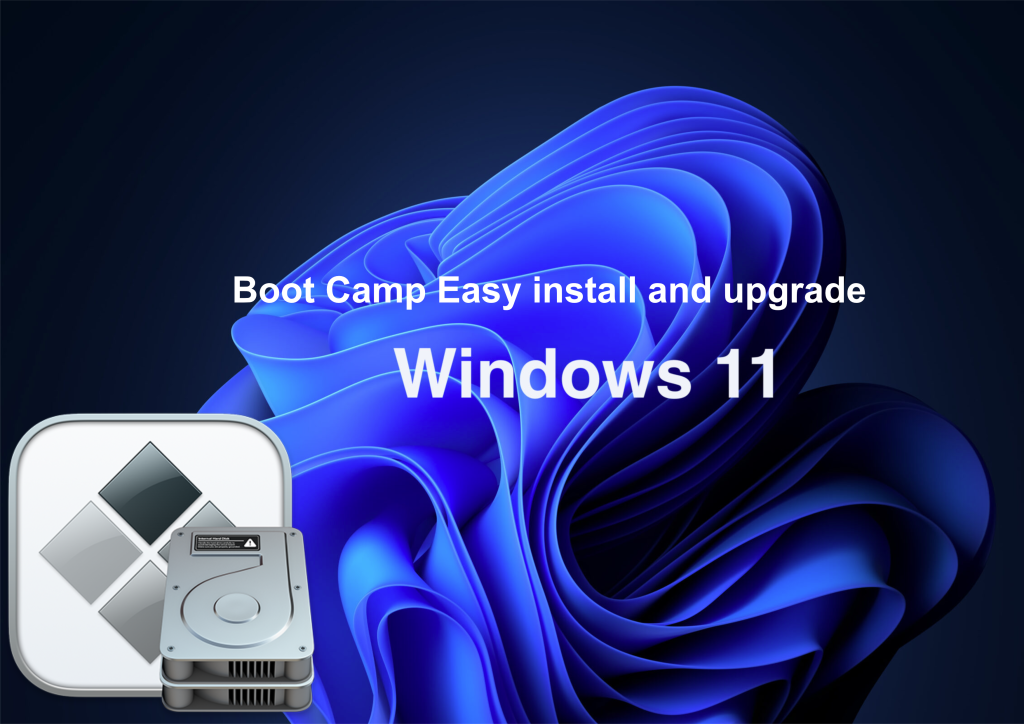
How to install Windows 11 on a Intel Mac using Bootcamp to bypass the TPM check
So there are several ways to get round the TPM chip check from manipulating the media file using windows 10 and 11 ISO file, to that of on the boot login via registry and change the settings value to bypass the check. They all have worked for me in the past but they need a lot of work to get it to work.
This method is a lot simpler and seems to work on multi Intel Mac architecture so it might be worth having a go.
Time Machine unable to backup
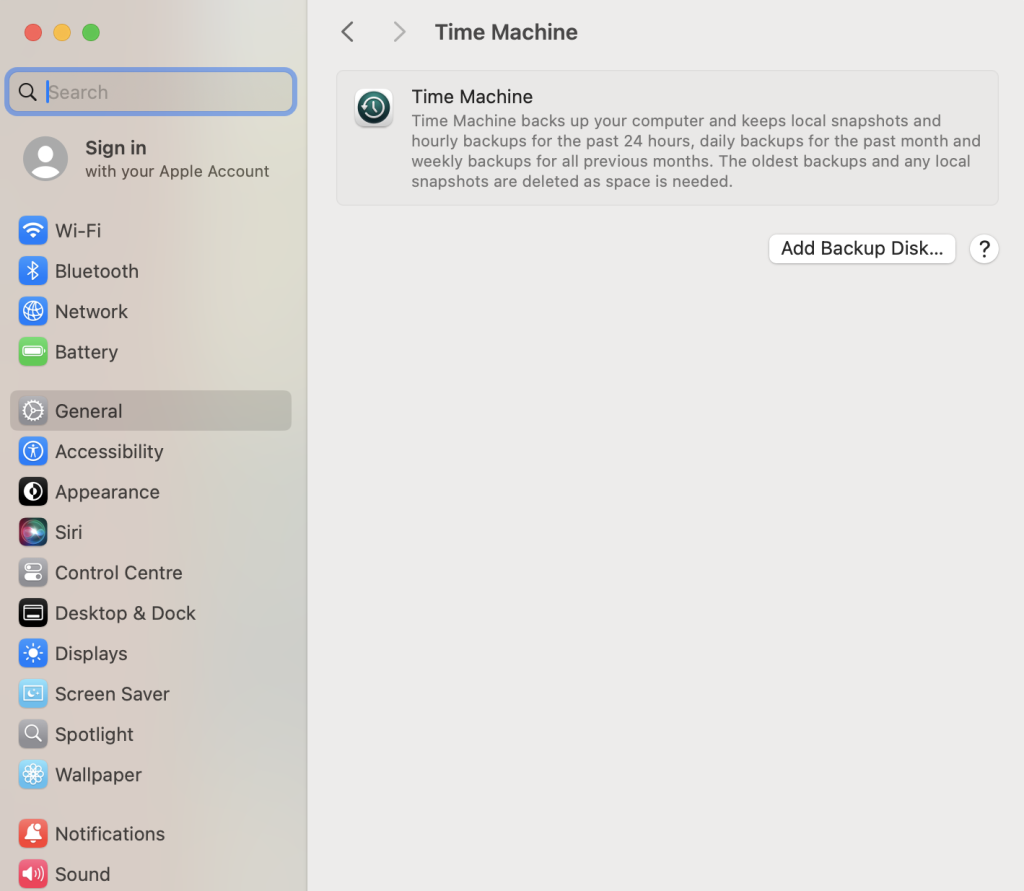
Time Machine is macOS’s built-in backup tool that automatically saves copies of your files, apps, and system settings. It allows you to restore lost files or roll back your Mac to a previous state. 9 out of 10 times this works smoothly with key features listed below when it works its brilliant. However the 10th time it not working you have to go through a sequence to trouble shoot why its not backing up.
Key Features of Time Machine
✅ Automatic Backups – Backs up your Mac hourly (last 24 hours), daily (last month), and weekly (older backups).
✅ Incremental Backups – Saves only new or changed files, not everything every time.
✅ Easy File Recovery – Lets you restore individual files or your entire system.
✅ Mac Migration – Use it to transfer your data to a new Mac.
✅ Works with External & Network Drives – Supports USB, Thunderbolt, NAS, and Time Capsule.
Other methods to make a complete Backup of your Mac when Time Machine does not work
So you have to make a backup of your Mac and included all the apps, profiles etc. Your options are really Time Machine backup or a clone software. We take it you have a hard rive to use as the backup of the said device you require a backup of. The answer is also a little bit more complicated as what state the Mac is in, is the machine running an encrypted drive, is the drive removable, does the Mac boot etc. All valid questions.
For the drive removal option you can take out the drive place in an adaptor and plug into another machine and run one of the backup software solutions to get your backup. Sound simple and it is if you can get access to the drive hardware easily have the correct adapter to plug the drive in to a spare machine to do the backup.
Microsoft issues working on a Mac
Due to the universe not being fair when it comes to applications and web interface you have to look at why things on a Mac that are linked to Microsoft empire struggle to do the basic tasks from emails, Sharepoint web browser compatibility issues to name just a few.
We can counter some of the annoying issues by cheating like using Safari but in developer mode faking the browser is edge even though its safari but in developers mode to using multi web browsers like Firefox or Chrome. As for the other Apps like the Office package or Sharepoint or OneDrive packages you have to accept lots of compatibility issues.

How to remove Windows partition from a Intel Mac
The process to remove Windows from your Intel Mac is relative straight forward if you follow this guide. Basically you’re going back int o Boot Camp Assistant and run through the wizard to remove the partition. It should be plain saying however sometime you do come up with an error or blip from the Assistant. There is also Disk Utility which can help you with this task if needed.
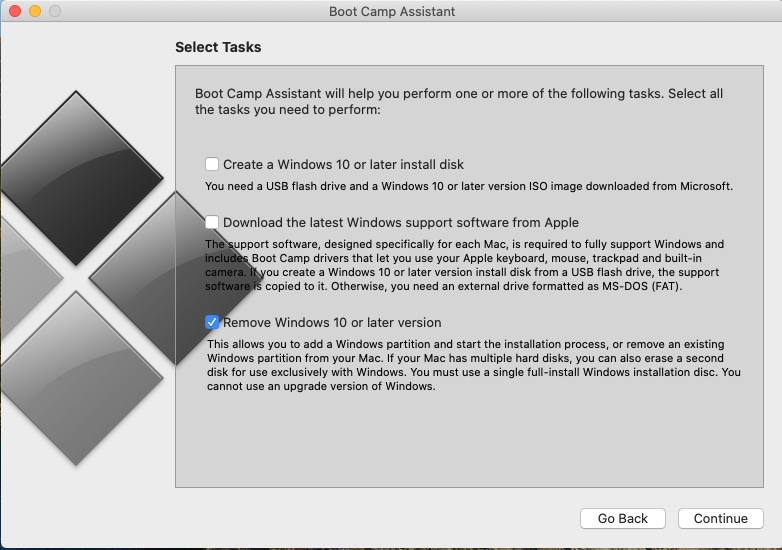
Before you do anything ensure you have the data off the Windows partition you need as you will not be able to get it back. I would also stress Time Machine may not get the data of the drive so I would not rely on it for anything on the Windows side of the drive.
Continue reading “How to remove Windows partition from a Intel Mac”Setup latest Boot Camp Assistant software on Intel Mac
Looking at the latest version of Boot Camp Assistant and the installing guide on several different hardware architects like iMac 27″ 2013 to that of the MacBook Pro 15″ 2019 to name just a few.
Boot Camp Assistant is a built-in macOS utility that helps you install Windows on an Intel-based Mac. It allows you to dual-boot between macOS and Windows. However, Boot Camp is not available on M1, M2, or later Apple Silicon Macs—it only works on Intel Macs.
Continue reading “Setup latest Boot Camp Assistant software on Intel Mac”