
So you have to make a backup of your Mac and included all the apps, profiles etc. Your options are really Time Machine backup or a clone software. We take it you have a hard rive to use as the backup of the said device you require a backup of. The answer is also a little bit more complicated as what state the Mac is in, is the machine running an encrypted drive, is the drive removable, does the Mac boot etc. All valid questions.
For the drive removal option you can take out the drive place in an adaptor and plug into another machine and run one of the backup software solutions to get your backup. Sound simple and it is if you can get access to the drive hardware easily have the correct adapter to plug the drive in to a spare machine to do the backup.

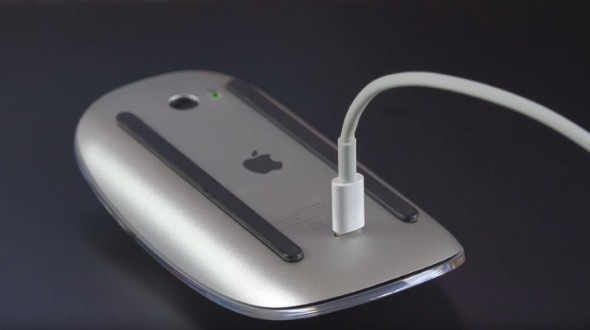
 The Magic Keyboard and Magic Mouse 2 have been out since Oct 2015 replacing the similar designed mouse and a more flatter triangle shaped design keyboard with a rechargeable battery instead of the AA batteries. In theory gone now are the days of having a issue with a keyboard or mouse losing connection to the mac. Now you just plug in the lighting cable and away you go, well the keyboard anyhow, the mouse is a bit difficult to work with while its plugged in for regarding.

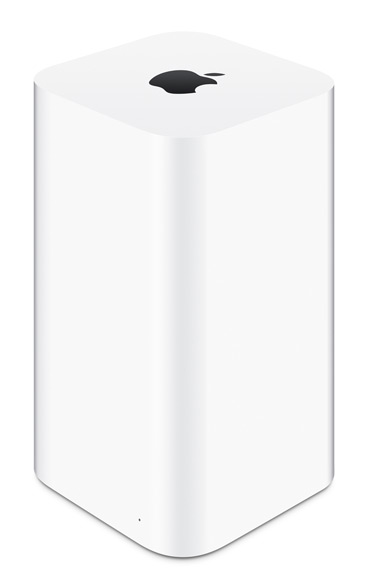
 The machines talk to each other and less than a minute the printer is now on the network.
 This question has been around for a number of years. There are lots of remote programs out there here are the top few I find work very nice with your mac.