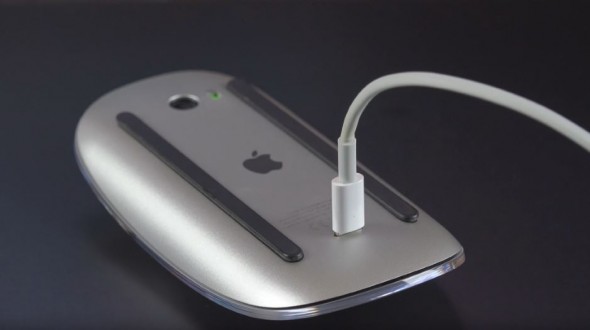
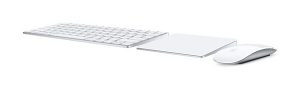
 The Magic Keyboard and Magic Mouse 2 have been out since Oct 2015 replacing the similar designed mouse and a more flatter triangle shaped design keyboard with a rechargeable battery instead of the AA batteries. In theory gone now are the days of having a issue with a keyboard or mouse losing connection to the mac. Now you just plug in the lighting cable and away you go, well the keyboard anyhow, the mouse is a bit difficult to work with while its plugged in for regarding. Continue reading “Magic Mouse 2 and Magic keyboard”
Magic Mouse 2 and Magic keyboard