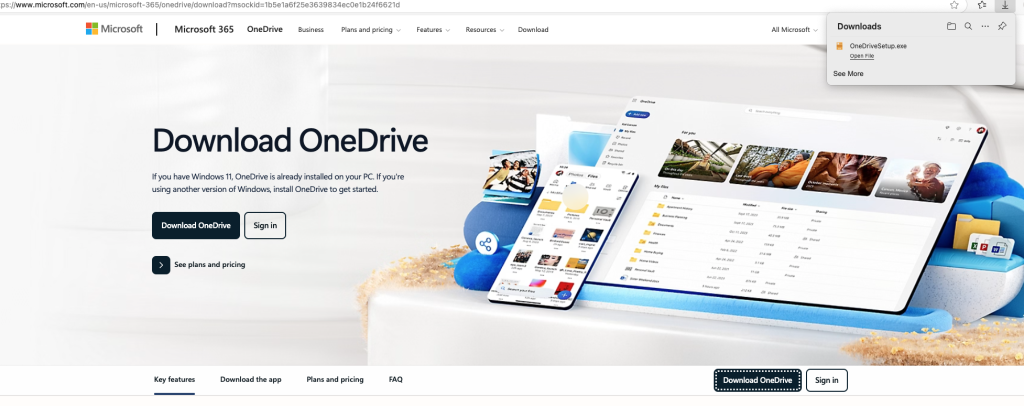
Just been made aware that when you click the link from the Microsoft website to download onedrive for Mac you only get the windows version (.exe).
anything and everything related to your Mac, from the basic setup to the advance user its all here at macuser
Just been made aware that when you click the link from the Microsoft website to download onedrive for Mac you only get the windows version (.exe).
A quick video on how to remote the Windows Partition (Boot Camp) drive from your Intel Mac.
So Copilot from Microsoft is live the feature for Mac version of Office is turned on.
What is Copilot ?
Microsoft Copilot is an AI-powered assistant developed by Microsoft to enhance productivity across its suite of applications and services. Unlike GitHub Copilot, which focuses on code completion, Microsoft Copilot integrates into various Microsoft products to assist with tasks, content creation, and data analysis.
Basically like Chat GPT you can open the window up and type in your message and it will go away and source a response from its AI sources.
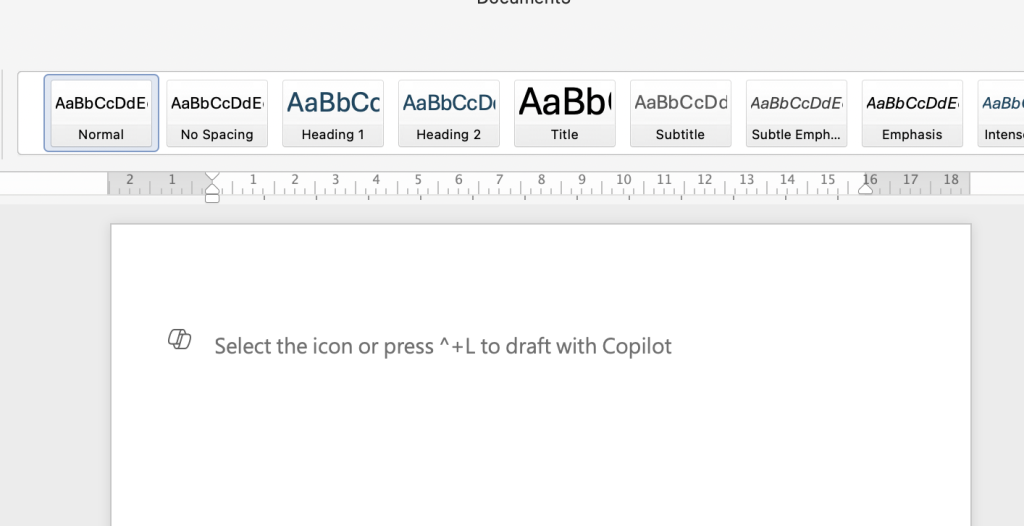
For those of you who have started to encounter the delightful light grey message when you open a new word document on your Mac “select the icon or press +L to draft with copilot” don’t panic it is a feature from Microsoft to help you work. For those who want to remove this option its relatively simple to do.
Here is another short video from my YouTube channel showing you how to get round the office 365 latest build installer on a older Operating system.
Here is another short video from my YouTube channel showing you how to get round the office 365 latest build installer on a older Operating system.
This is also linked to my post on Office 365 https://macuser.org.uk/2024/11/08/office-365-version-control-for-legacy-macos/
Here is the link to the Current build that work on macOS. https://macuser.org.uk/2024/11/15/ms-office-compatible-chart-with-macos/
So there are several ways to get round the TPM chip check from manipulating the media file using windows 10 and 11 ISO file, to that of on the boot login via registry and change the settings value to bypass the check. They all have worked for me in the past but they need a lot of work to get it to work.
This method is a lot simpler and seems to work on multi Intel Mac architecture so it might be worth having a go.
Due to the universe not being fair when it comes to applications and web interface you have to look at why things on a Mac that are linked to Microsoft empire struggle to do the basic tasks from emails, Sharepoint web browser compatibility issues to name just a few.
We can counter some of the annoying issues by cheating like using Safari but in developer mode faking the browser is edge even though its safari but in developers mode to using multi web browsers like Firefox or Chrome. As for the other Apps like the Office package or Sharepoint or OneDrive packages you have to accept lots of compatibility issues.

The process to remove Windows from your Intel Mac is relative straight forward if you follow this guide. Basically you’re going back int o Boot Camp Assistant and run through the wizard to remove the partition. It should be plain saying however sometime you do come up with an error or blip from the Assistant. There is also Disk Utility which can help you with this task if needed.
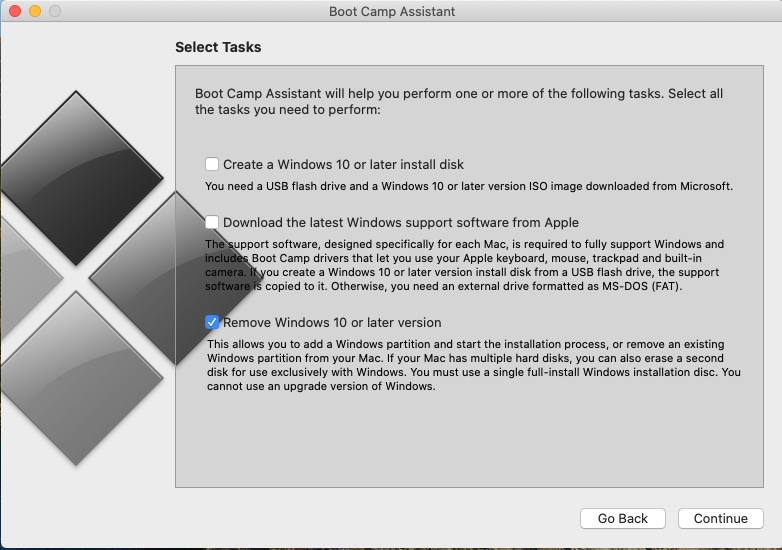
Before you do anything ensure you have the data off the Windows partition you need as you will not be able to get it back. I would also stress Time Machine may not get the data of the drive so I would not rely on it for anything on the Windows side of the drive.
Continue reading “How to remove Windows partition from a Intel Mac”