A short video on how to clone a bootable external hard drive running macOS using Carbon Copy Cloner and a Intel Mac.
New Short video on how to install 365 on legacy macOS
How to install Office 365 on legacy version of macOS Big Sur 11.7
Here is another short video from my YouTube channel showing you how to get round the office 365 latest build installer on a older Operating system.
How to install Office 365 on legacy version of macOS Catalina 10.15
Here is another short video from my YouTube channel showing you how to get round the office 365 latest build installer on a older Operating system.
This is also linked to my post on Office 365 https://macuser.org.uk/2024/11/08/office-365-version-control-for-legacy-macos/
Here is the link to the Current build that work on macOS. https://macuser.org.uk/2024/11/15/ms-office-compatible-chart-with-macos/
VPN Issues with Watchguards connection on L2TP
If your on a Mac and VPN to a watchguard due to the ongoing issue with IKEv2 connections for Macs running Sonoma and above kicking the user off at 24 or 48 minutes depending on the configuration within the Watchguard the workarounds are limited. For some the easy option is if the hardware is staying put you can move from IKEv2 to L2TP.
There has been a few issues with the Watchguard allowing connections through the firewall. Fortunately there is an easy fix on the mac’s with the issue.

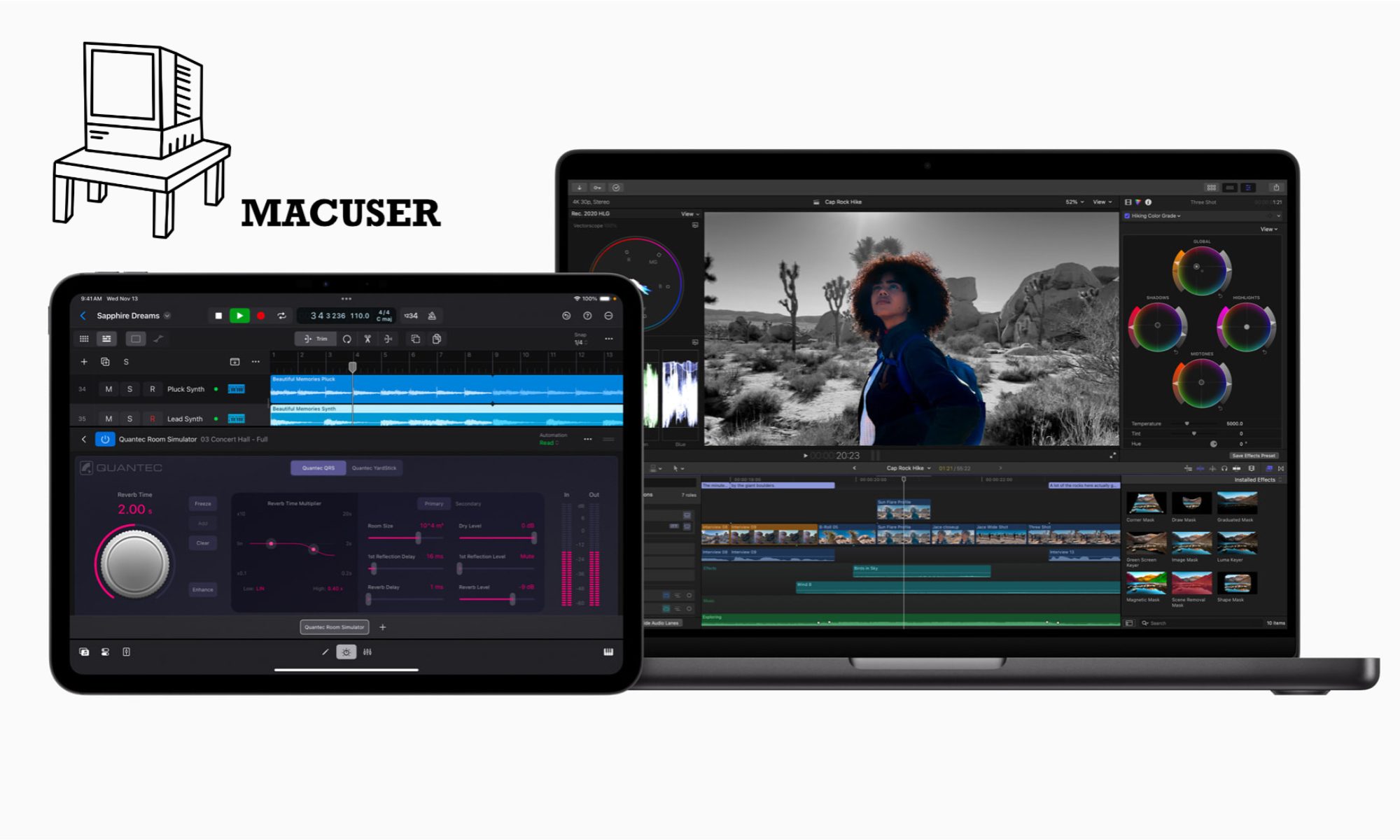
Bests Hardware for Final Cut Pro
For the best hardware to run Final Cut Pro (FCP) smoothly, you’ll want a system optimized for video editing, especially for 4K, 6K, or even 8K workflows. Depending on your budget and how you intend to work will influence the choice. Here are the key components to focus on:

Uninstall Sophos Endpoint on Mac
To uninstall Sophos your first point would be to see if you locate Remove Sophos Endpoint. This can be either run from launchpad or type it in spotlight. When you run that app it should then go away and uninstall the programme. It would be best to reboot the machine once the exercise is complete. I have found it does sometimes error out or fails but on a reboot this will tell you if you have managed to uninstall it. Help file link.
Compatible Mac Hardware macOS
Here is a comprehensive list of Apple Hardware that works with which Mac Operating System release. Please remember macOS is not backward compatible so a machine made later than an Operating System wont boot. From Catalina 10.15 the Operating System architecture changed to macOS (64 bit) Mojave and below is running on 32 bit.
How to install Legacy Office 365 on Monterey and below macOS
Here is a short video from my YouTube channel showing you how to get round the office 365 latest build installer on a older Operating system.
This is also linked to my post on Office 365 https://macuser.org.uk/2024/11/08/office-365-version-control-for-legacy-macos/
Here is the link to the Current build that work on macOS. https://macuser.org.uk/2024/11/15/ms-office-compatible-chart-with-macos/
How to install legacy version of Google Chrome
I know the title is odd, as Chrome like Firefox just seems to work and work regardless of the Operating system. I have now started to encountered legacy issue with macOS running the latest version of Google Chrome.
My test machine is a 2013 iMac 21.5″ machine that just turned up to the workshop for a fresh build. The first issue was getting Catalina installed after I replaced the mechanical drive with a SSD. Next was finding the correct version of Office 365 for this macOS. Link below
