In this video we will show you how to install Google Chrome on Catalina. So Chrome will only allow the installation of its software if you are running macOS 11 or higher. (Big Sur)
Install Legacy version of Google Chrome on Catalina macOS
Here is a new update of the Google Chrome Legacy version for Macs.
So Chrome will only allow the installation of its software if you are running macOS 11 or higher. (Big Sur) Anything before that unless you had installed Chrome before Google pulled its support you won’t be able to install Google Chrome.
There is however a few options for you.
How to upgrade the SSD on a MacPro 2013
This short video shows you how to upgrade your Hard drive on a MacPro 2013.
Tools: 1 x T8 Torx Screwdriver.
1 x SSD M.2 NVME (check before you buy it does work with the model)
Time: 2 minutes to do around 1 hour to install the Operating System.
Skill: Easy
How to clone a macOS drive using a caddy
Clone your old OSX to a new SSD
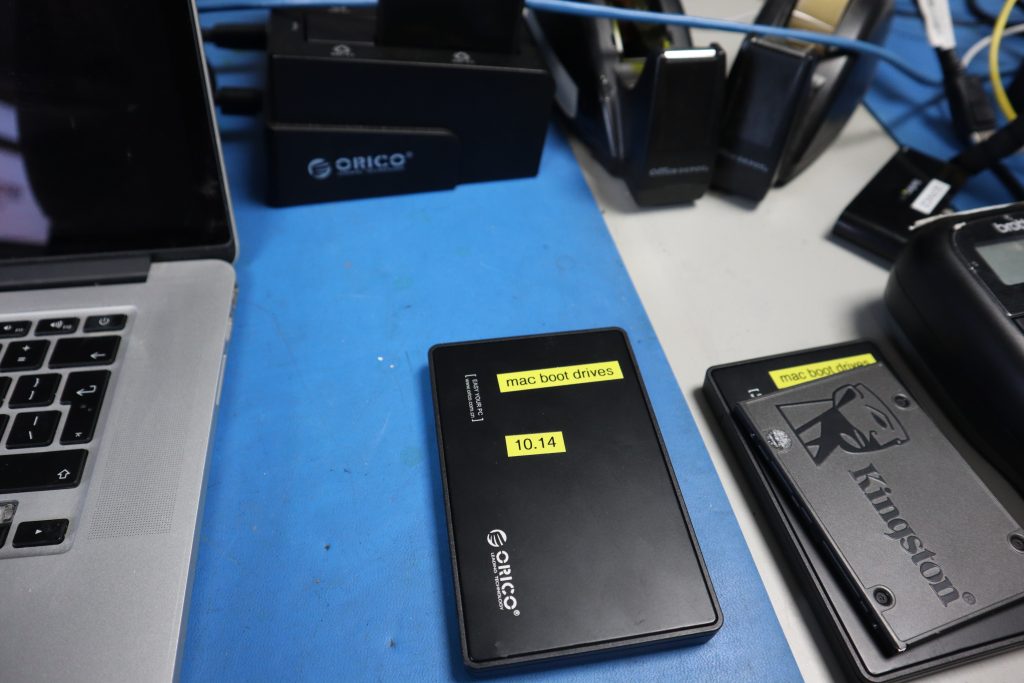
Most Apple Engineer have most probably got several USB Ext hard drives they use as a clean boot system (operating system) for testing purposes. With that in mind creating the drives is somewhat time consuming and to replicate the drive setup from scratch can encounter glitches. If you have a bootable drive and require either a copy or a hardware upgrade of the USB drive your best option would be to look at cloning the drive to a new USB ext drive. We are going to look at anything from Catalina and before within this article.
ChronoSync Carbon Copy Cloners replacement ?
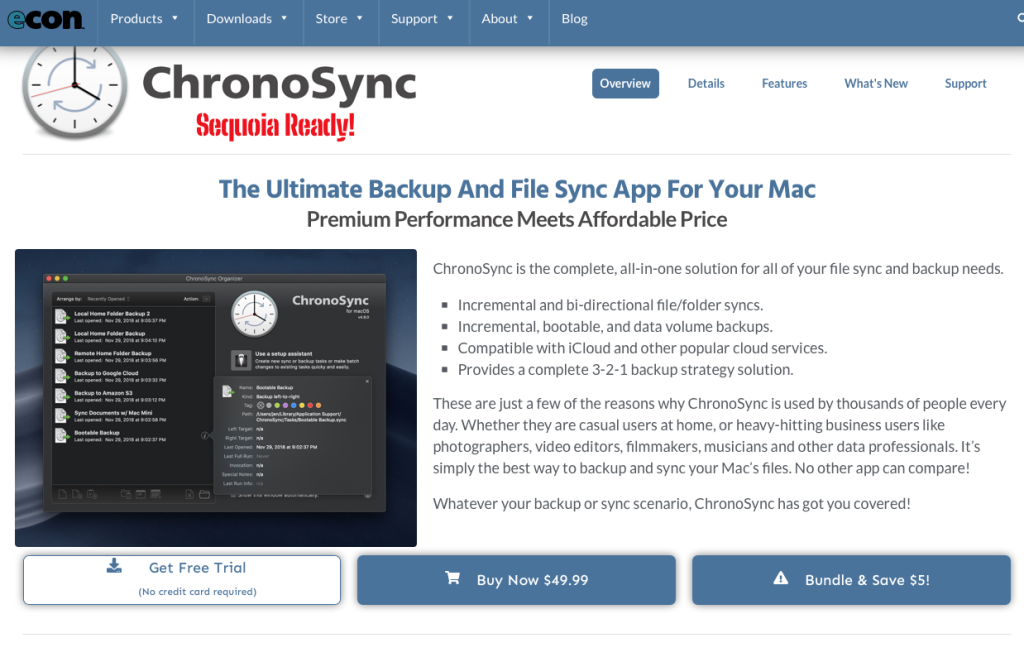
ChronoSync is a macOS application used for synchronizing files, creating backups, and mirroring folders between local and remote storage devices. Here’s how to set it up and use it effectively:
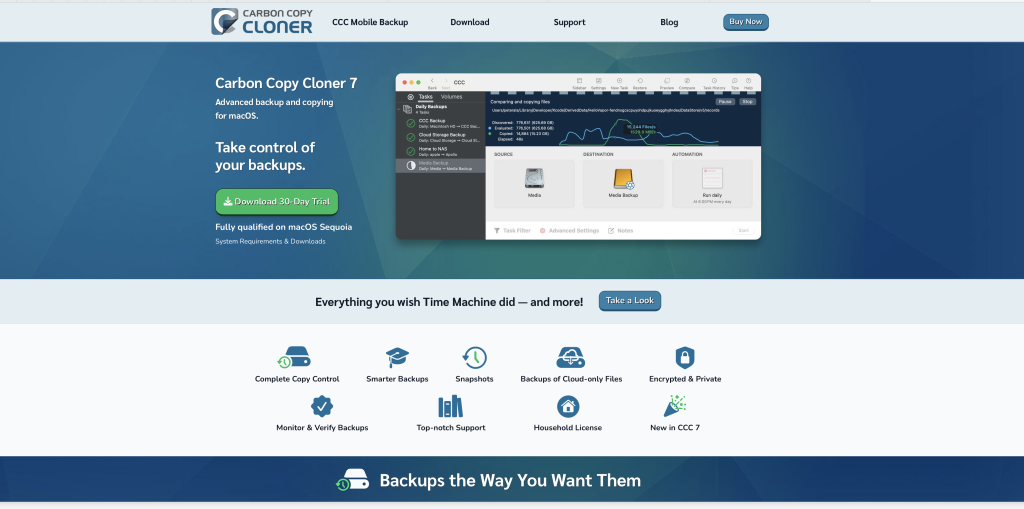
Carbon Copy Cloner a New Review for Version 7
Carbon Copy Cloner (CCC) 7, released in May 2024, introduces several enhancements to streamline and improve the backup process for macOS users. Priced at £41 + Vat for a Personal and Household license, with upgrade discounts up to 50%, CCC 7 offers a comprehensive 30-day trial without requiring account creation or payment details.
The 30 day trial is a nice feature giving you access to the product allowing you a full testing software package. This trial allows you the option to fully test the product without having to purchase the software. Also if you have a previous version you get a nice discount if you use that code when purchased the upgrade option.
Video how to install Windows 11 on a Intel Mac using Bootcamp to bypass the TPM check
Here is the video on the simple method to install Windows 11 using BootCamp on an Intel Mac architecture machine.
Here is the link to the article
SuperDuper A New Review
“Superduper Agents” is a platform designed for enterprise AI agent orchestration. It allows organizations to manage virtual AI agents that can access and interact with various data sources, automating complex tasks and workflows across enterprise systems. The platform integrates seamlessly with existing databases and tools, enabling scalable and secure AI adoption within an organization’s infrastructure.
Mac Compatible Hardware List
Here is the list of Mac hardware compatible with its Operating System:
macOS Sequoia is compatible with these computers
macOS Sonoma is compatible with these computers